Email support
For technical problems, questions and reports, write to info@scirpolistudio.com.
Open Mail →We are here to help
Browse the quick answers or write to us. We will respond with practical guidance, without asking for data we do not need.
For technical problems, questions and reports, write to info@scirpolistudio.com.
Open Mail →Restore purchases from the app. Apple handles charges, renewals and refunds.
Apple Support →Meals, weight and targets stay on your device and are not accessible to support.
Read the policy →Everything in its place
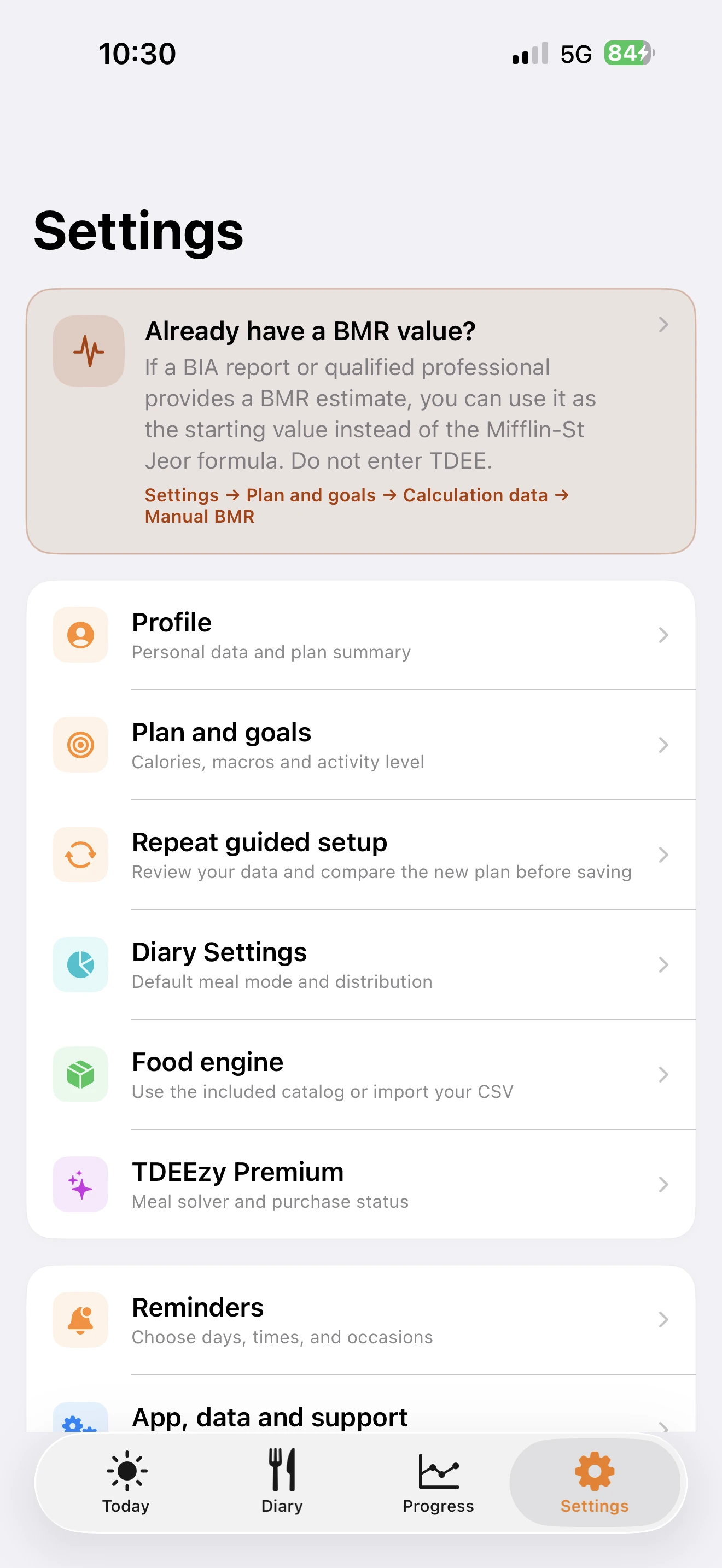
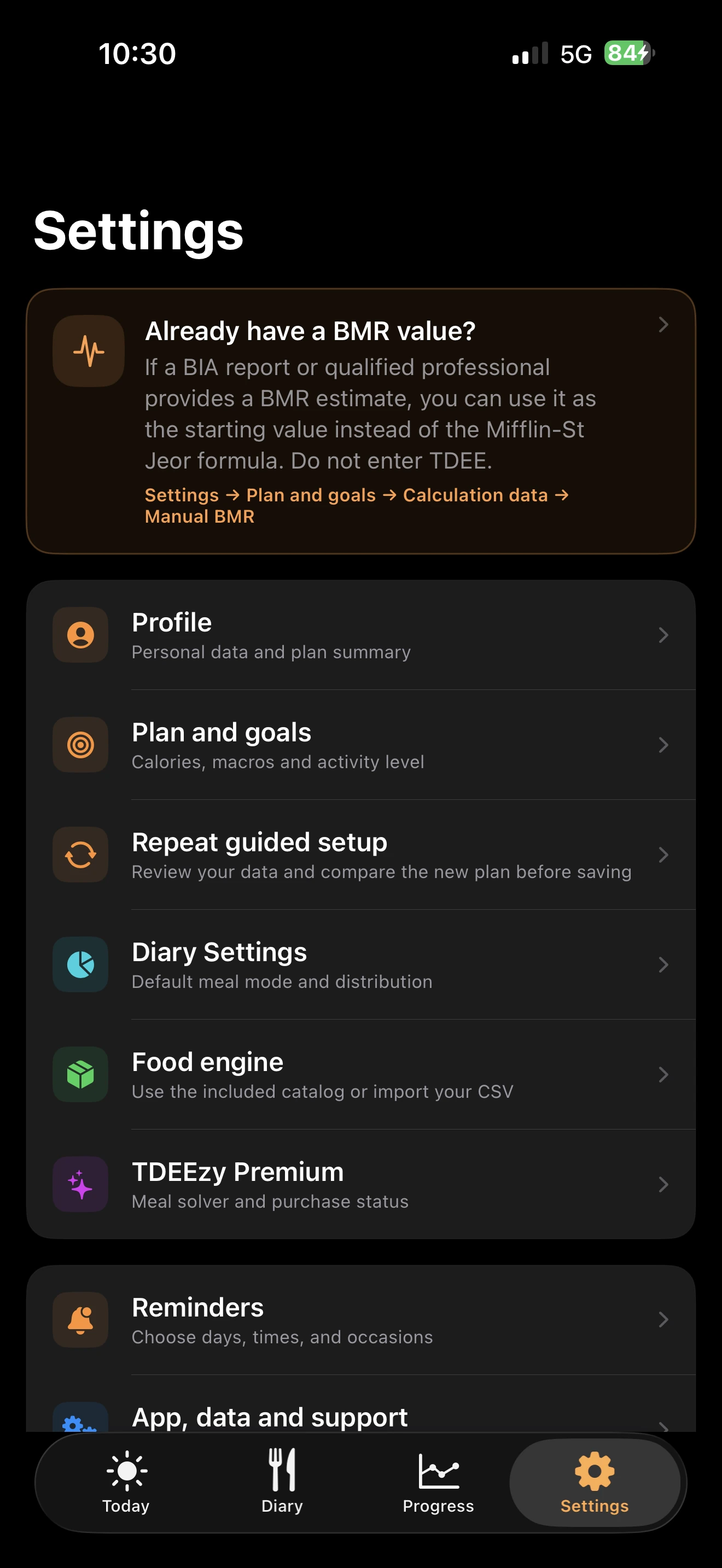
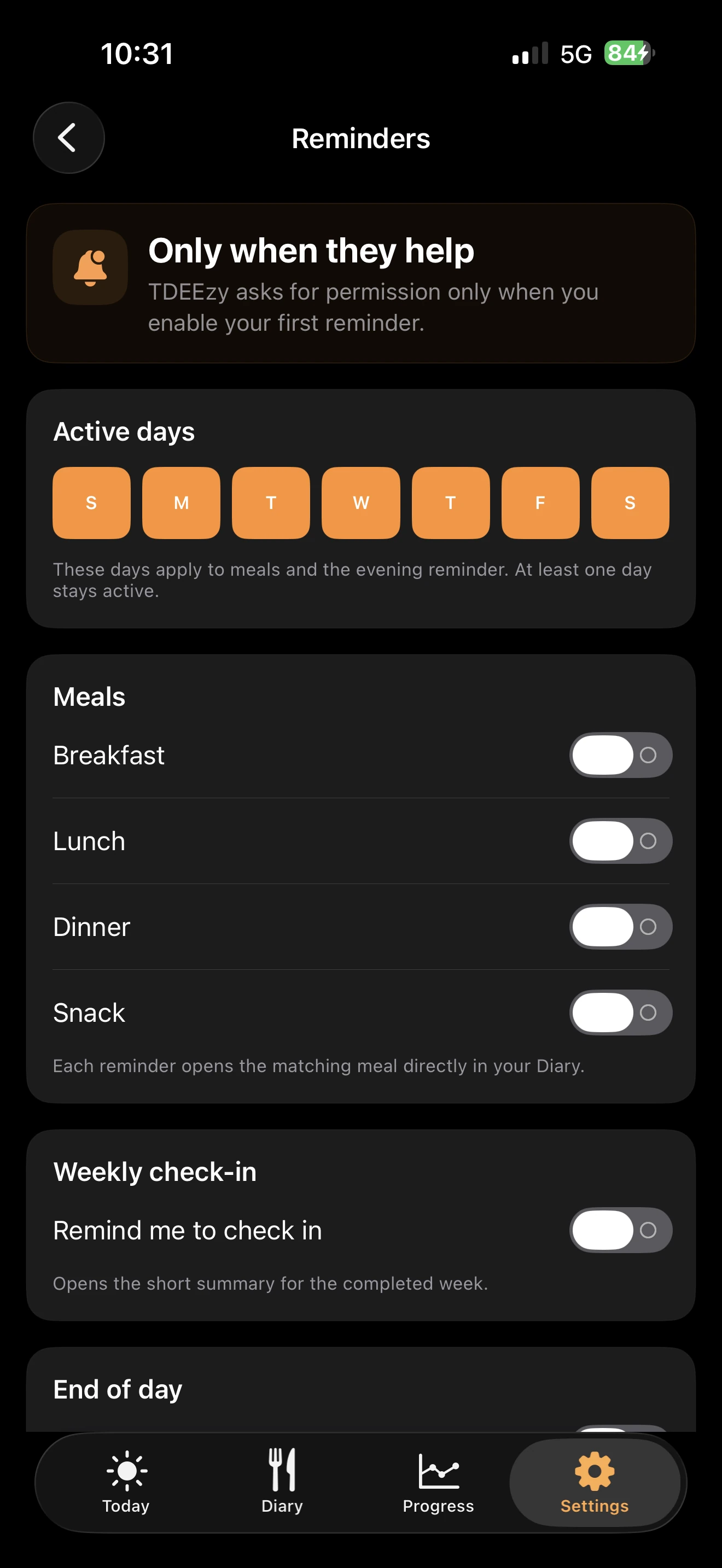
The redesigned area gives setup, Profile, Premium, Food Engine and Reminders clear, separate paths that are easy to find again.
Quick answers
Check your connection, open Settings → TDEEzy Premium and tap Restore Purchases. You must be signed in with the same Apple Account used for the purchase. Never send us passwords or sign-in credentials.
Apple manages subscriptions, renewals and payments. You can change them in your Apple Account settings or follow the official Apple guidance. Lifetime is a one-time purchase.
Meal Coach 5.0 separates mathematically unreachable targets from amounts outside realistic ranges. Review the limiting nutrients, locked amounts, and suggestions shown in the result; you can replace a food, correct its role, or change the selection. An approximate result can be edited manually before saving.
Yes. Open Settings → Food Engine, where you will find the format, header, separator, limits and import procedure. Your catalogue stays on the device, does not alter the original bundled file and can be removed at any time.
You can enter it in the new onboarding or under Settings → Plan & Goals → Method and Calculation Data → Manual BMR. Your energy needs will be recalculated without starting from the Mifflin–St Jeor formula.
Yes. Open Settings → Plan & Goals → Reconfigure Plan. Changes remain a preview until you confirm them, and TDEEzy shows their effect on the current day before saving.
TDEEzy only accesses the categories you authorise in Apple’s system screens. You can change permissions in the Health app settings. If you deny access, features unrelated to HealthKit continue to work.
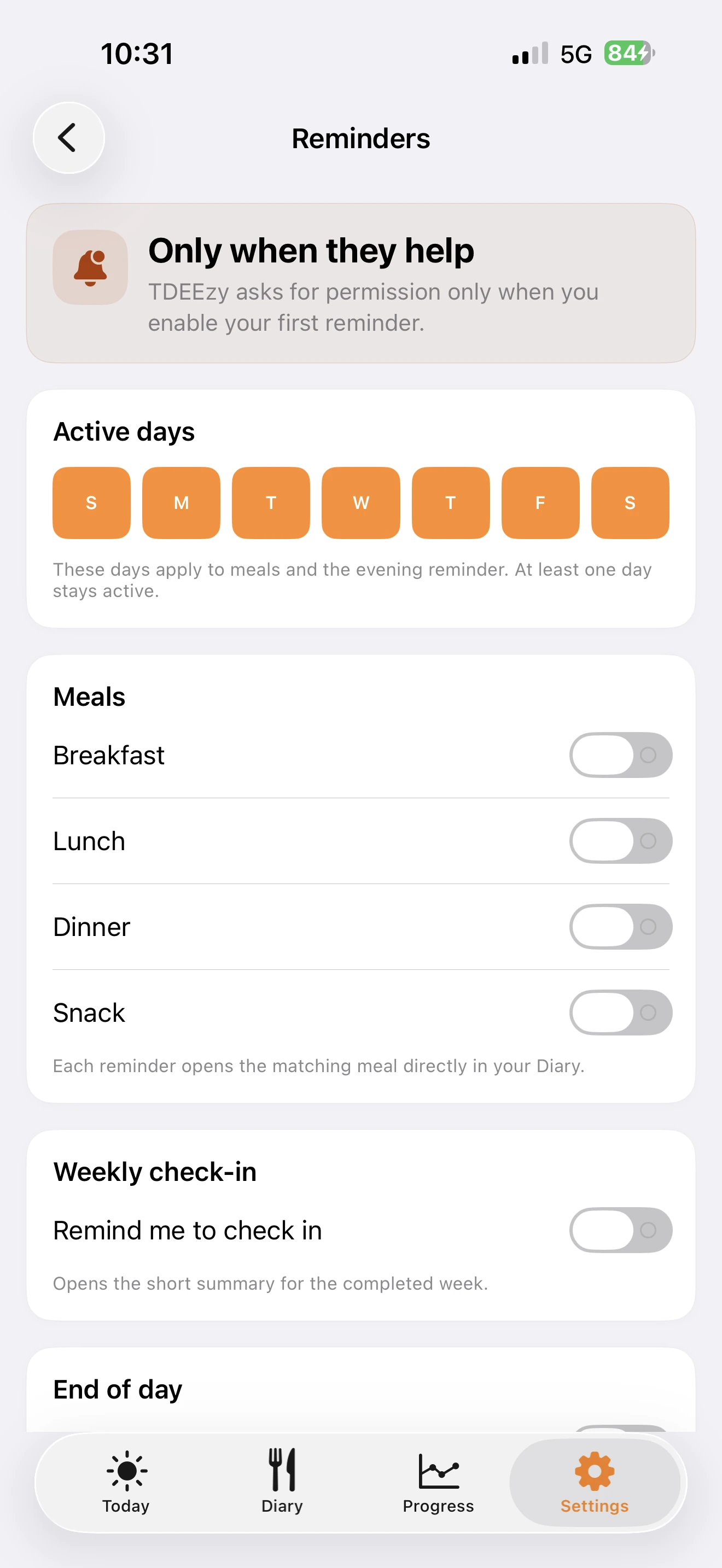
Check the days and times under Settings → Reminders, then make sure iOS allows TDEEzy notifications. Focus modes and Scheduled Summary may affect delivery.
Your plan, diary, water, weights and preferences remain in the app’s local database. There is no TDEEzy account, and support cannot view or recover this data remotely. Read the Privacy Policy for details.
Tell us your TDEEzy version, iPhone model, iOS version, the steps that trigger the problem and — if useful — attach a screenshot. Do not include your Apple ID, passwords, health data or diary contents.
Contact info@scirpolistudio.com